
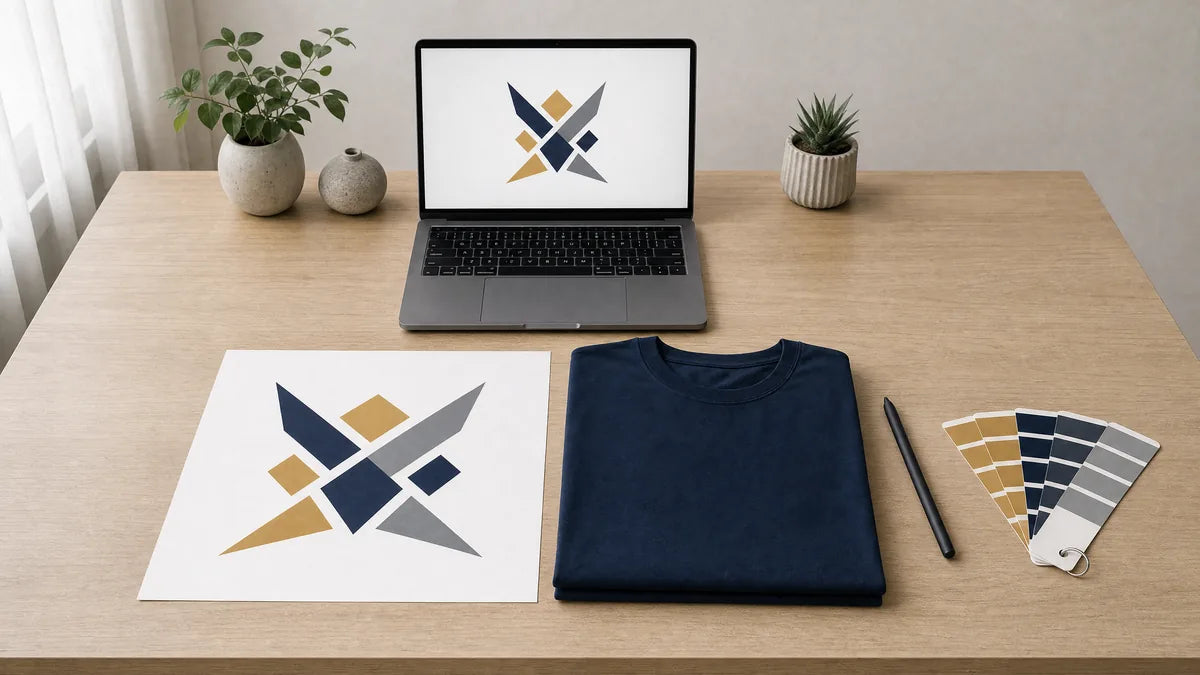
Learn how to prepare artwork for shirt printing: file formats, resolution, color modes, and placement. A practical file prep guide from Qwik Tees in DeLand, FL.
Custom Apparel • Artwork & File Prep
Serving DeLand, Florida; Volusia County; Seminole County; Orange City; Deltona; DeBary; Daytona Beach; Sanford; Lake Mary; and surrounding Central Florida communities
Great custom shirts start long before the press runs. Preparing artwork for shirt printing correctly is the single biggest factor in whether your logo prints crisp or comes out soft, and most order delays trace back to the file, not the shirt. This guide explains what a printer actually needs and why, so you can check a file before you send it.
Key Takeaways
- Vector files scale to any size cleanly, while raster files must be built at full print size at 300 DPI.
- Screens display RGB light, but ink and thread are physical, so bright colors cannot always be matched exactly.
- Remove white backgrounds, outline your fonts, and embed linked images before sending a file.
- Embroidery does not use your art file directly and requires a separate digitized stitch file.
Why Artwork Decides Whether a Print Looks Right
A printer can only print what the file contains. No press setting recovers detail that a low resolution file never had, so a fuzzy logo going in means a fuzzy logo coming out. In our experience serving businesses across Volusia County and Seminole County, most delays on custom orders trace back to artwork rather than the garments themselves. The usual culprit is a logo pulled off a website, lifted out of a PDF, or screenshotted from a phone.
There is a real cost to bad files beyond the wait. Misprints from unusable artwork often mean garments get scrapped and reordered, which adds to the roughly millions of tons of clothing that end up as waste each year according to the EPA's data on textile waste and recycling. Getting the file right the first time protects your budget and your timeline.
Vector and Raster, and Why the Difference Matters
Vector art is built from math-defined paths and anchor points, so it scales to any size with no loss of quality. Raster art is a grid of pixels, and enlarging it spreads the same pixels over more area, producing soft edges and visible stair stepping. Vector is the preferred format for logos, lettering, and flat graphics, while raster is required for photographs and complex gradients.

Important: You cannot turn a small JPG into true vector art by saving it as an EPS. Someone has to redraw it by hand.
Resolution, Print Size, and the 300 DPI Rule
Resolution only means something in combination with physical size. The working standard is 300 DPI at the final print size, so a 12 inch wide chest print needs roughly 3600 pixels of width. Web images are typically 72 DPI and sized for a screen, which is exactly why a logo that looks sharp on a website often prints soft on a shirt.
You can sometimes get away with 150 DPI for very large single-color shapes that have no fine detail, but that is a compromise, not a target. Always check the actual pixel dimensions rather than trusting the DPI label, because DPI can be relabeled without adding a single pixel of real detail.
File Formats and Which Ones Actually Work
Not every file that opens on your computer is ready for a press. Choosing the right format up front saves rounds of back and forth, and it also ties directly into how to choose a print method for your job, since some formats suit some methods better than others.
- Best: AI, EPS, PDF with live vector, and SVG.
- Good raster: layered PSD or TIFF, or a PNG with transparency built at full print size.
- Workable but limited: a high-resolution JPG, which has no transparency and shows compression artifacts around edges.
- Avoid: art copied out of Word or PowerPoint, screen-sized exports, GIF, BMP, screenshots, and anything embedded in a shared document.
Color Modes, Spot Color, and Why Your Screen Lies
Screens are RGB and emit light, while ink and thread are physical and reflect it, so a bright RGB blue or a neon green cannot be matched exactly. Screen printing uses spot colors mixed to a Pantone reference, and naming the Pantone number removes the guesswork. Every color in a screen print is a separate screen and a separate pass, which is worth knowing when you plan a multi-color design.

DTF printing and other digital methods use CMYK process color, which handles gradients and photographs from a single file but renders very bright, saturated colors duller than your monitor suggests. Whenever exact color matters, approve it on a printed proof rather than on a screen, because monitor calibration varies from one device to the next.
"Approve color on a printed proof, not a phone screen. What glows on a display often prints a shade quieter in real ink."
Transparency, Backgrounds, and White Ink
A white box behind a logo will print as a white box. PNG and vector files support transparency, but JPG does not, so a JPG logo almost always carries a background you did not intend to print. On dark shirts, light artwork is printed over a white underbase, which adds a layer, changes the hand feel, and affects fine detail.
Send your artwork and we will check the file first
Tell us the print method you want, the shirt colors, and how wide the print should sit on the chest. Send print ready artwork at full size with fonts outlined and we will confirm the file works before anything goes to press.
Send Your Artwork →Very thin lines and small text can fill in or break up once an underbase is involved. Keep line weights and text sizes generous rather than hairline, and your prints will hold up much better on darker garments.
Fonts, Outlines, and Linked Images
Convert your type to outlines or curves before sending the file. If the printer does not own the font you used, unoutlined text reflows to a substitute and your design changes without warning. In the same way, embed or package any linked images, because a vector file that links to an external photo can arrive as an empty box.
Save a master: Keep an editable copy for yourself before you outline the text, since outlined type can no longer be edited later.
How Each Print Method Reads Your File
Different decoration methods want different things from your artwork. Traditional screen printing wants clean, separated spot colors and simple edges, which is why bold flat designs reproduce so well with it. DTF handles full color and photographic detail from a single file but still needs real resolution to look sharp.
Embroidery ignores the art file entirely and works from a stitch file instead. The smartest move is to match your artwork to the method before you finalize the design, rather than forcing a file to fit a method it was never built for.
Print Placement and Sizing on the Garment
Adult full-front chest prints commonly run about 10 to 12 inches wide, centered, with the top of the print set a few inches below the collar seam. Left chest prints commonly run about 3 to 4 inches wide. Specify the width in inches for each location rather than a percentage, since a percentage is relative to a file size the printer cannot guess.

Youth garments need a scaled-down version, because an adult-sized graphic on a youth small pushes the print into the side seams and hem. If you are ordering youth hoodies or jackets for a school or sports team, remember that drawstrings are regulated, and it is worth reviewing the CPSC's guidance on drawstrings in childrens outerwear when you choose those garments.
Embroidery Artwork Is a Different Problem
Embroidery does not use your art file directly. It has to go through embroidery digitizing, meaning a stitch file is built that tells the machine the path, direction, and density of every stitch. Fine detail, thin lines, small lettering, and gradients simply do not translate to thread, so simplify the design before digitizing.
Very small text loses legibility once it is stitched, and thread color is chosen from a physical thread chart rather than from a screen value. This is why an embroidered hat or polo for a company in Orange City or DeBary may need a slightly cleaner version of the same logo you screen print on tees.
The Pre-Send Artwork Checklist
Run through this list before you attach a file. If everything checks out, you can send your artwork over for a file check so we can confirm it is production-ready.
- Vector where possible, otherwise raster at 300 DPI at the final print size.
- Transparent background with no stray white box behind the design.
- Fonts outlined and all linked images embedded.
- Print width specified in inches for every location.
- Shirt colors listed, since artwork color choices depend on the garment color.
- Pantone references named if exact color matters, and one file per print location.
The fastest custom orders share one thing in common: the artwork arrives clean, at full size, and ready to print without guesswork.
Common Artwork Mistakes to Avoid
A handful of the same errors show up again and again on custom orders across DeLand and the wider Central Florida area. Knowing them in advance keeps your project moving.
- Sending a logo pulled straight from a website.
- Sending a screenshot from a phone or computer.
- Leaving the background on the file so it prints as a solid box.
- Assuming the printer will redraw the art at no cost to your timeline.
- Approving color on a phone screen instead of a printed proof.
- Forgetting that youth sizes need their own scaled file.
If you are unsure whether your file is ready, it is far better to ask before production than to discover a problem on the finished shirts. A quick file review protects your design, your deadline, and your budget on any custom apparel order.
Frequently Asked Questions
What is the best file format for artwork for shirt printing?
Vector files such as AI, EPS, PDF with live vector, or SVG are best because they scale to any size without losing quality. If your design is a photo or gradient, a layered PSD, TIFF, or a full-size PNG with transparency works well.
What does 300 DPI mean and why does it matter?
DPI is meaningful only at the final print size. A file should be 300 DPI at the actual dimensions it will print, so a 12 inch wide chest print needs roughly 3600 pixels of width. Check the pixel dimensions, not just the DPI label, since DPI can be relabeled without adding real detail.
Why does my logo look sharp on a website but blurry when printed?
Web images are usually 72 DPI and sized for a screen, not for print. When that small image is enlarged to print size, the pixels spread out and the edges turn soft. Always supply a vector file or a high-resolution file built at full print size.
Where can I get help preparing artwork for shirt printing near DeLand, Florida?
Qwik Tees Printing & Embroidery serves DeLand, Orange City, Deltona, DeBary, Daytona Beach, Sanford, Lake Mary, and communities across Volusia County and Seminole County. We require finished, print-ready artwork, and you can send your file over so we can confirm it is set up correctly before production.
Do I need a different file for embroidery than for screen printing?
Yes. Screen printing and DTF print from your artwork file, while embroidery works from a separate stitch file created through digitizing. Fine detail, thin lines, and small text often need to be simplified before a design can be stitched.
Send your artwork and we will check the file first
Tell us the print method you want, the shirt colors, and how wide the print should sit on the chest. Send print ready artwork at full size with fonts outlined and we will confirm the file works before anything goes to press.
Send Your ArtworkNo commitment required · Free consultation


